Help Uploading Documents
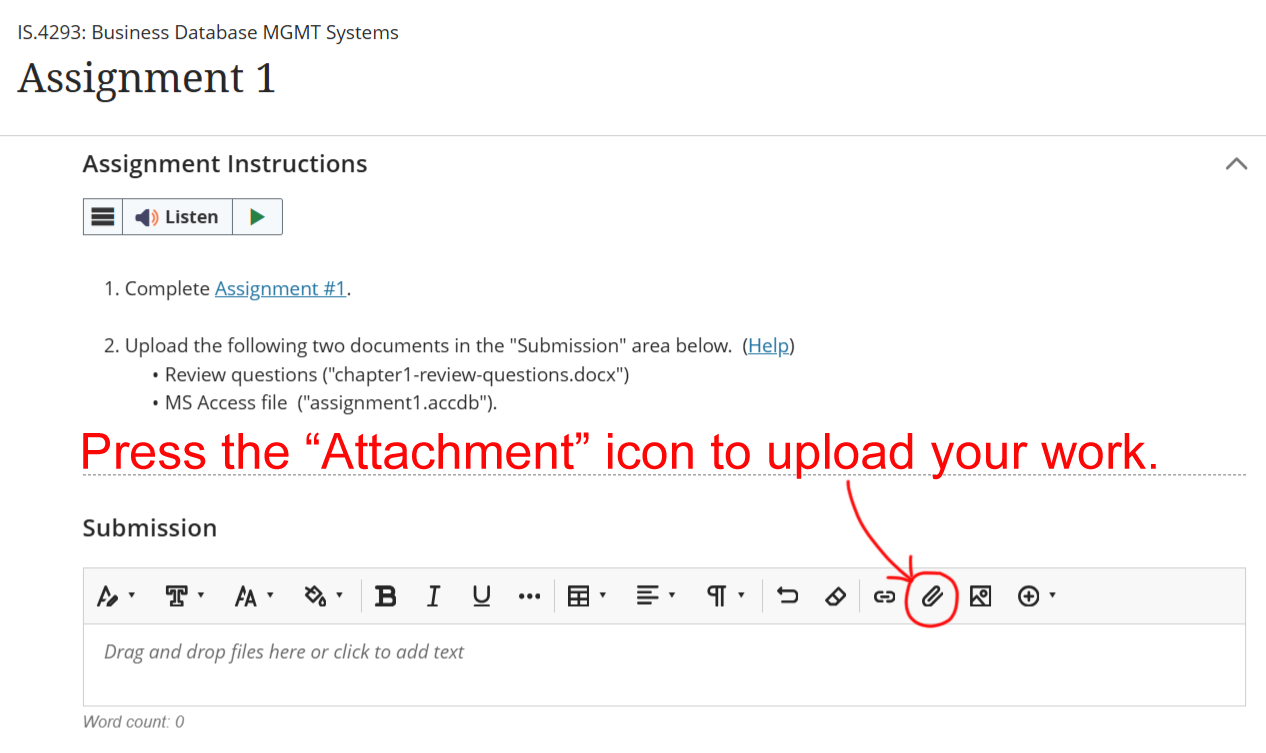
To upload your files to NSU Blackboard, you can either 1) drag and drop files into the submission area or 2) press the "Attachment" icon and then select the appropriate file from your computer.
Help Uploading DocumentsTo upload your files to NSU Blackboard, you can either 1) drag and drop files into the submission area or 2) press the "Attachment" icon and then select the appropriate file from your computer.
|